Fish Tank PC Build: What Makes It Different From a Standard Gaming PC?
Visit the MIT Press shop

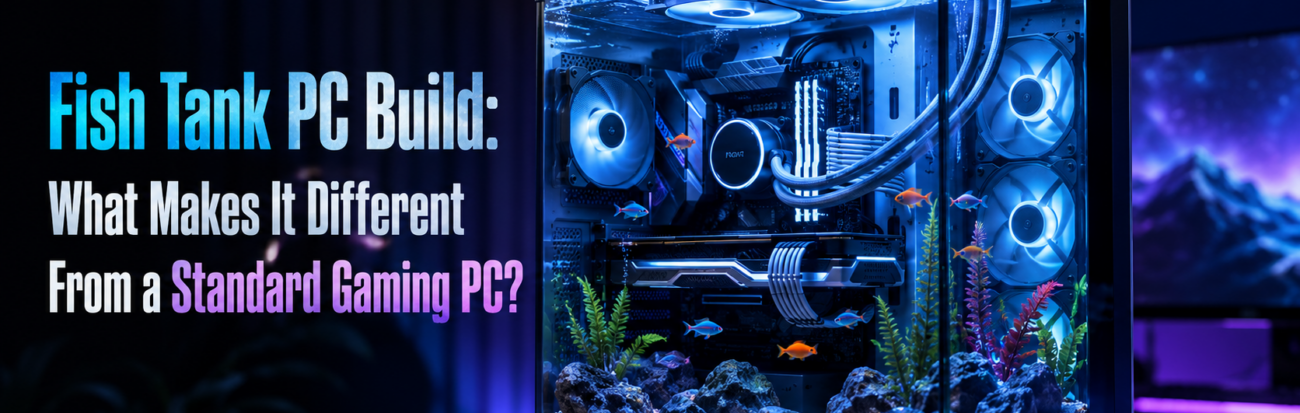
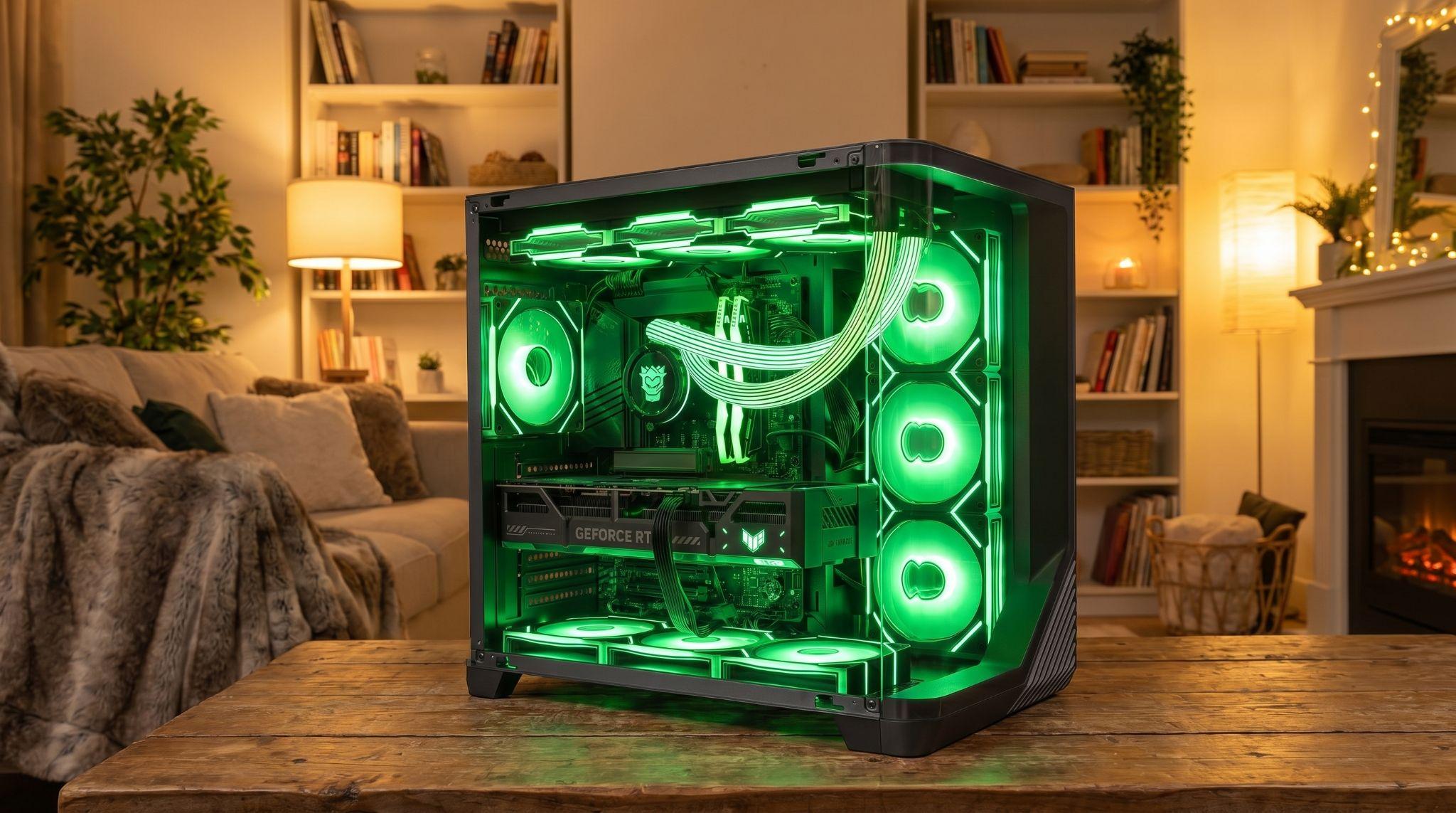
Building a Fish Tank PC changes how enthusiasts view hardware. These setups prioritize visibility by using seamless glass panels that offer an unobstructed view of internal components. Unlike a standard gaming tower, this design eliminates the traditional front pillar to create a panoramic effect.
Structural Innovations in Transparent Cases
The primary difference lies in the chassis architecture. A standard PC typically uses a mesh or solid front panel for direct intake. A Fish Tank build replaces these sections with tempered glass. This shift in design leads to several structural changes:
- Smooth glass junctions that connect the side and front panels without a metal support frame.
- Dual-chamber layouts that move the power supply and storage drives behind the motherboard tray.
- Increased internal volume to accommodate vertical GPU mounts and multiple radiators.
These modifications allow for a much cleaner interior by hiding bulky power cables and drive cages in a separate compartment. By moving these components out of sight, the main chamber remains uncluttered and ready for display.
Airflow Strategies for Sealed Glass Fronts
Because the front of the case is sealed with glass, airflow management requires a different strategy. In a traditional case, fans pull air from the front and push it out the back. Fish Tank designs must find alternative paths to maintain low temperatures. Most builders utilize the bottom and side of the case for intake.
Proper thermal management in these builds involves specific hardware configurations:
- Bottom-mounted fans that pull cool air from the floor of the case directly into the graphics card.
- Side-mounted brackets that allow for 360mm radiators to exhaust heat without blocking the view.
- Reverse-blade fans that display the aesthetically pleasing side of the blades while maintaining the correct intake direction, hiding the unsightly support struts.
- Top-mounted exhaust fans that take advantage of natural heat rise to remove warm air from the system.
This intake configuration compensates for the solid glass front, ensuring that the internal hardware receives enough cool air to maintain peak performance.
Component Selection for a Minimalist Look
Cable management takes on a new level of importance because every corner of the build is visible. Messy wires ruin the aesthetic of a transparent case. This has led to the rise of specialized hardware designed for clean interiors. Shops like Hyper Cyber offer various configurations that utilize these technologies to keep the workspace looking professional.
To achieve a truly clean look, builders often select components with specific features:
- Motherboards with connectors located on the back of the PCB to hide power and data cables.
- Graphics cards featuring hidden power ports or proprietary connectors that reduce wire clutter.
- All-in-one liquid coolers with rotatable tubing and integrated LCD screens for system monitoring.
- Modular power supplies that allow users to connect only the necessary cables.
While a standard gaming PC serves as a reliable workhorse, the Fish Tank aesthetic turns computer components into a centerpiece. This design philosophy transforms a desktop setup into a visual experience that highlights the intricate engineering of every part. Choosing this style means prioritizing aesthetics without sacrificing the cooling potential required for modern gaming.